
Editable assessments are downloadable Word documents of Checkups, Partner Quizzes, and Unit Tests that allow teachers to copy and edit assessment text.
Editable Assessments are available in the Teacher Resource Downloads folder in each unit:
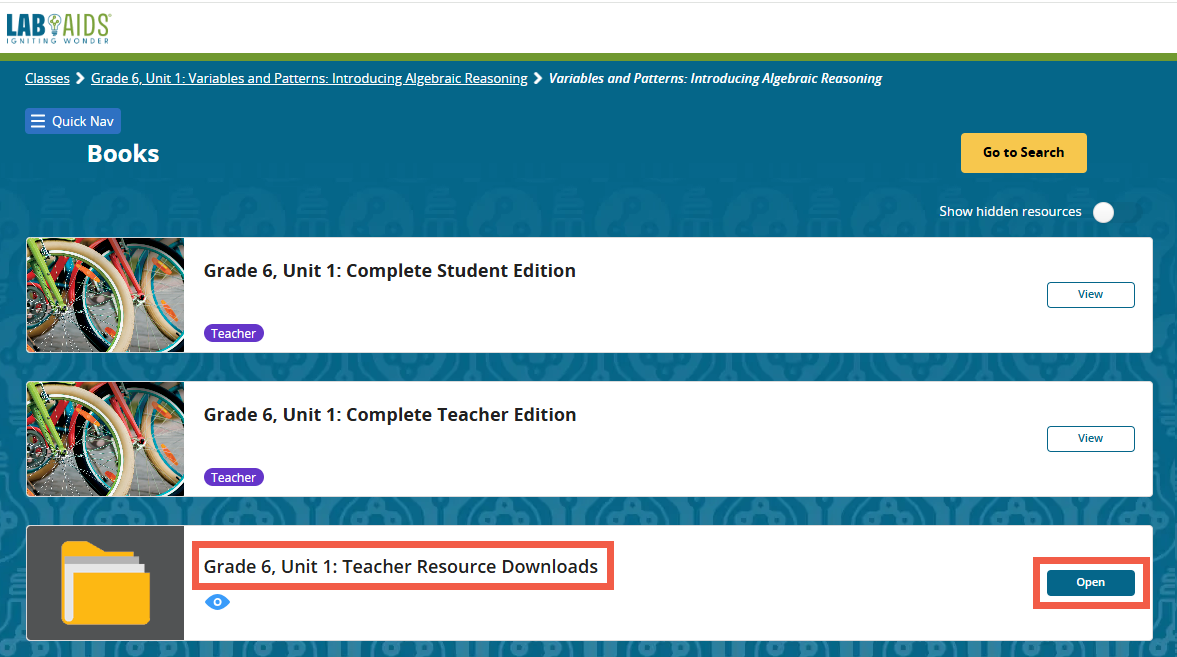
1. Click on the desired grade and unit, then click to open the Teacher Resource Downloads Folder.
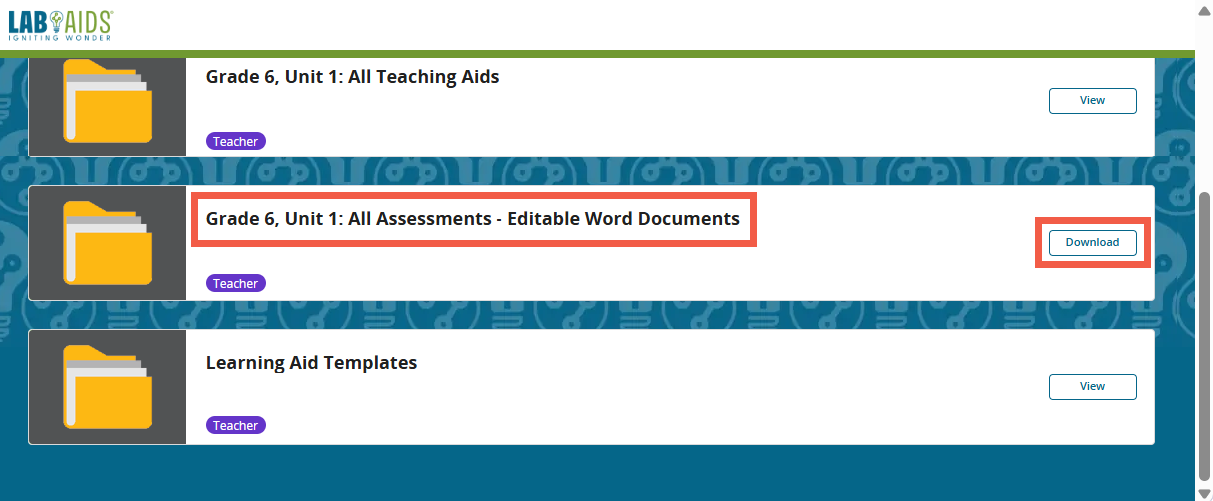
2. Scroll down to the All Assessments - Editable Word Documents card and click "Download".
-
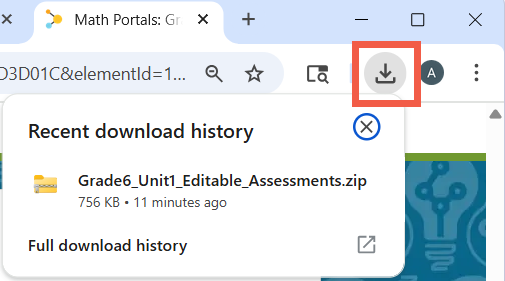
- The download location will vary per user/browser. In Chrome, click on the download arrow in the top right corner to view and click on the recent downloads.
3. Be sure to read the Editable Assessments Read First document in the downloaded folder.
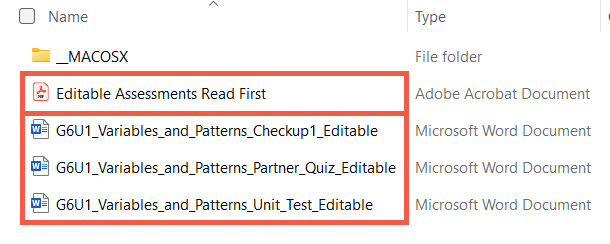
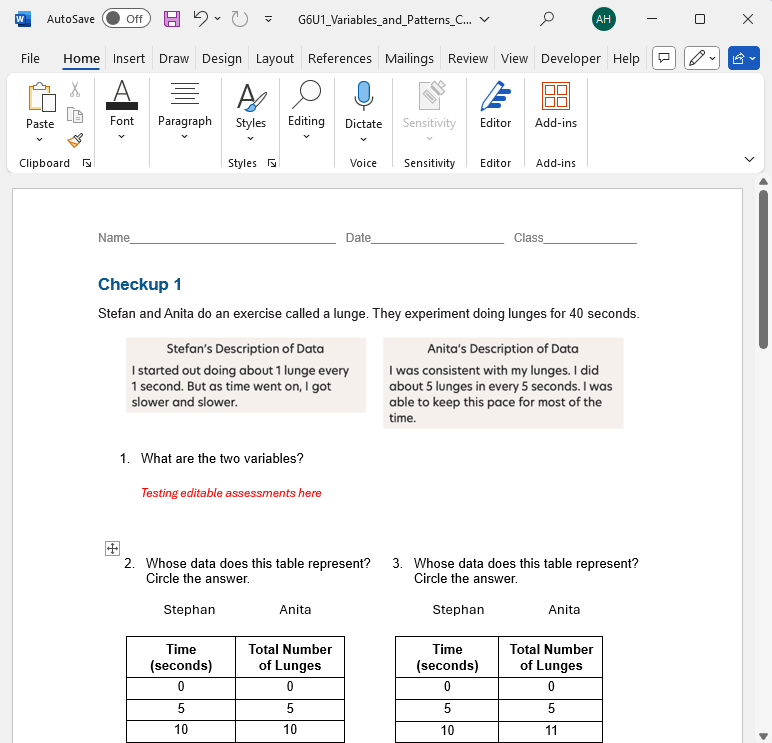
Example editable assessment for Grade 6 Unit 1 Checkup:
Questions? portals@lab-aids.com
Back to Lab-Aids Math Portal FAQ Page