
Lab-Aids will provide teachers with an access code. Using the access code and the below instructions, teachers will self-register to create their teacher account.
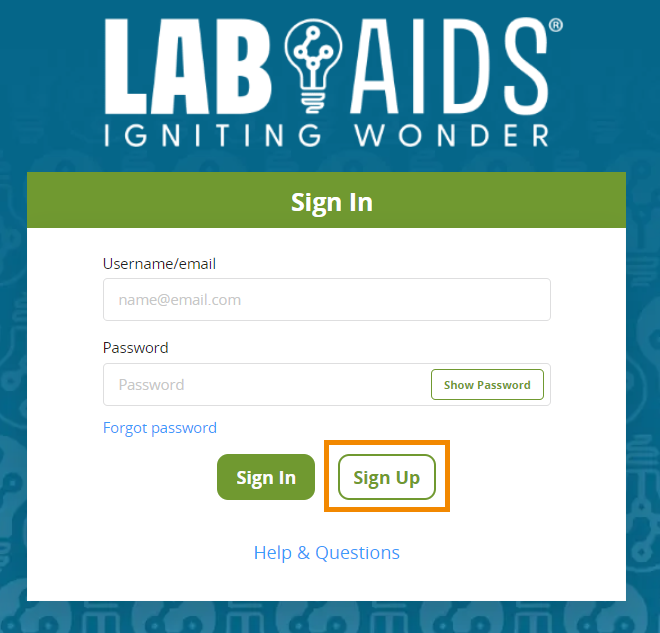
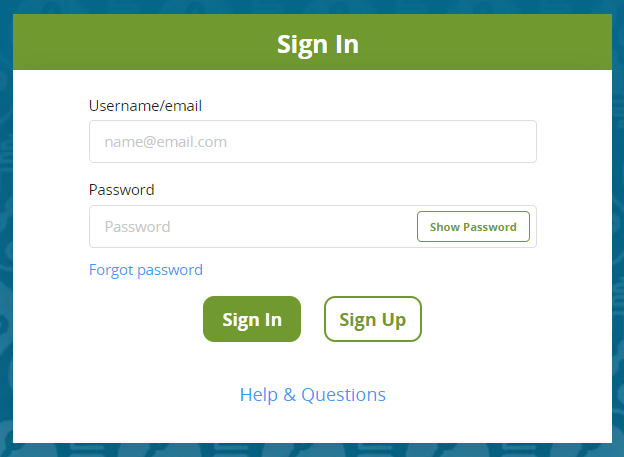
1. Navigate to https://math-portals.lab-aids.com and click "Sign Up".
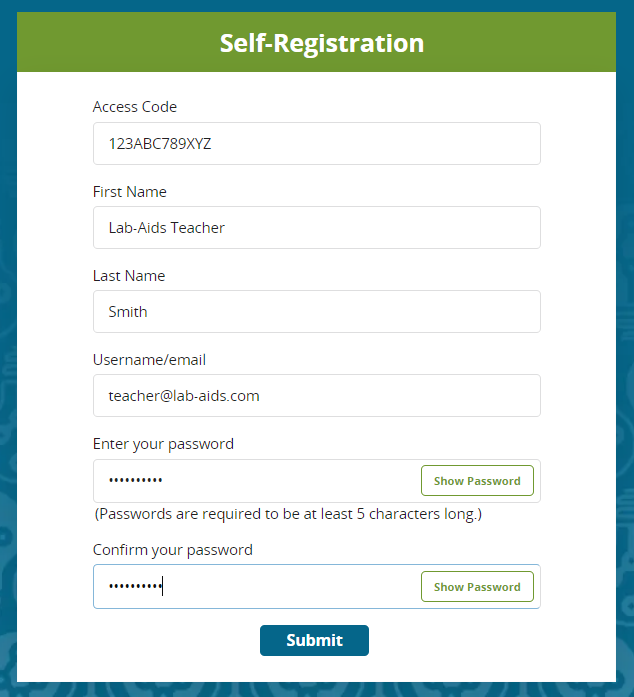
2. Enter the access code provided to you, and enter in the rest of the information. Ensure you are using an email address that is able to receive email. Click "Submit".
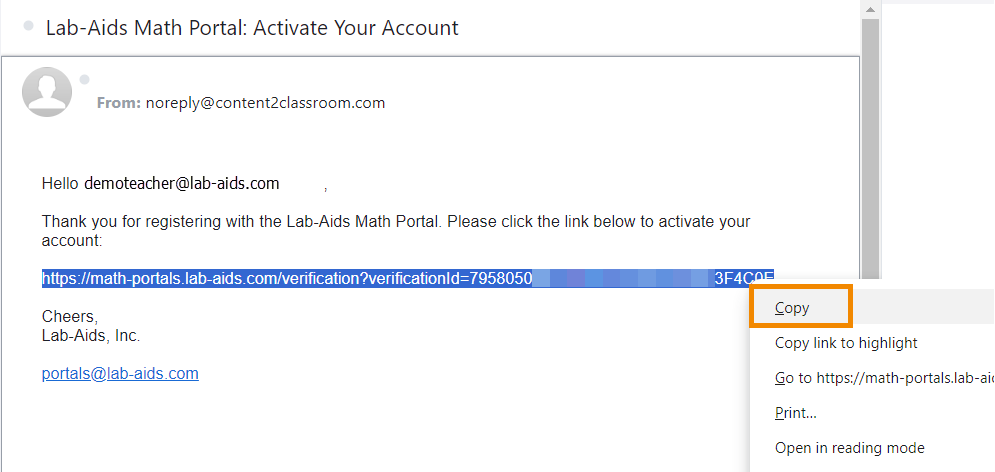
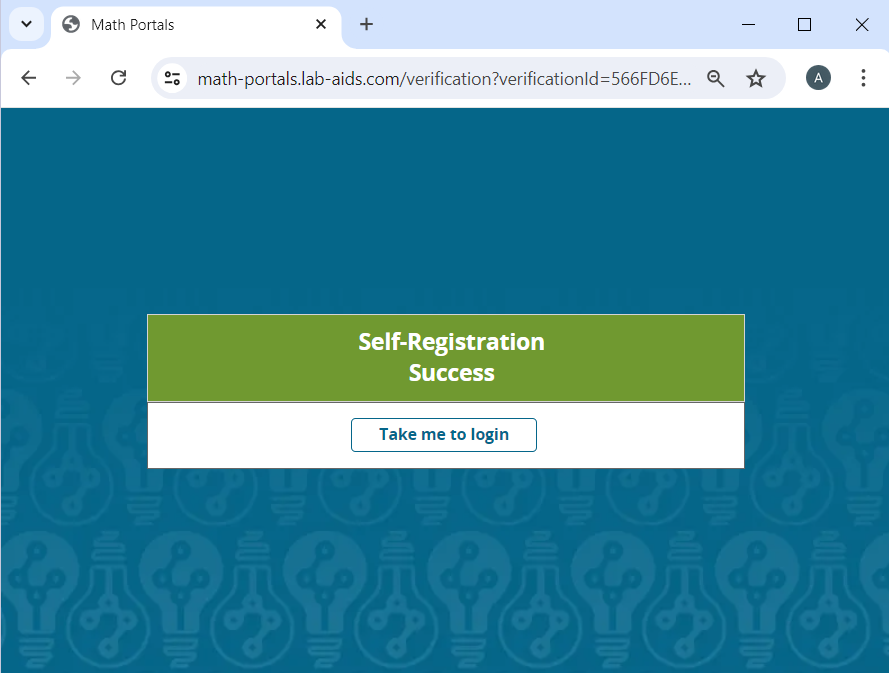
3. Important: Teachers will receive an email from noreply@content2classroom.com with the subject "Lab-Aids Math Portal: Activate Your Account". It may be in your spam/junk folders. Click on the link and teacher will be brought to a page that states "Self-Registration Success. Take me to login". Click "Take me to login" to be brought to the login page https://math-portals.lab-aids.com. Enter the email and password you used when registering to log into your account.
- Teachers: If you attempt to self-register but do not receive this email, it's important that you check your spam folder. If it not in the spam folder, you can reach out to portals@lab-aids.com.
Questions? portals@lab-aids.com