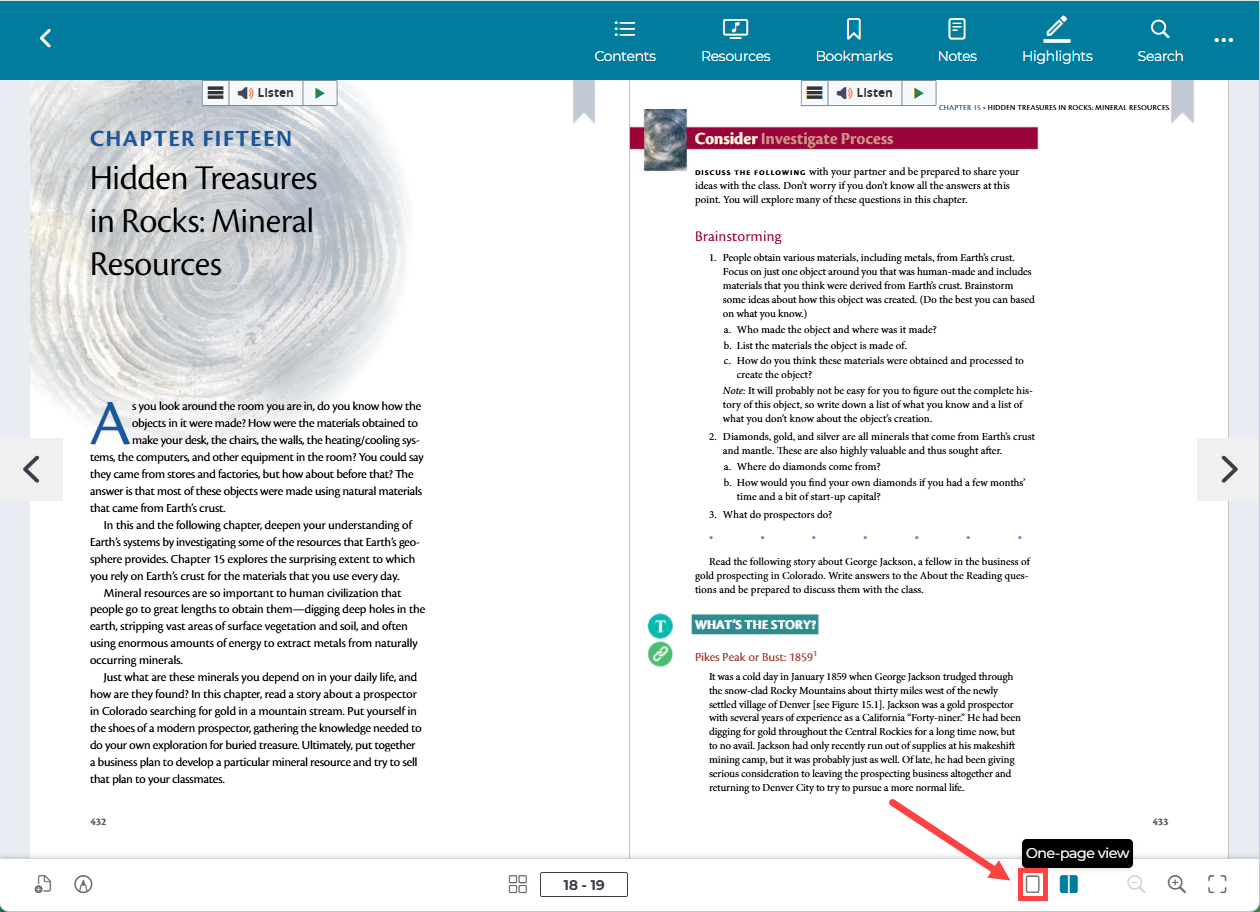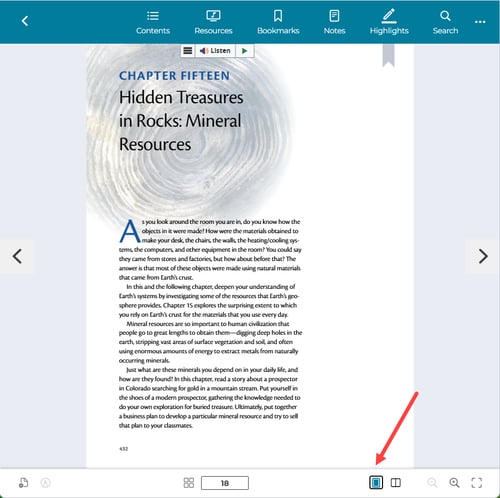
For Portal 1.0/ePub books, your portal will default to a two-page view of your books each time you log in. To change this to a one-page view, click the single page icon at the bottom right of the screen. This icon will switch to a 1-page view. Click the two-page icon to switch back to two-page view.