Where teachers enter assessment feedback:
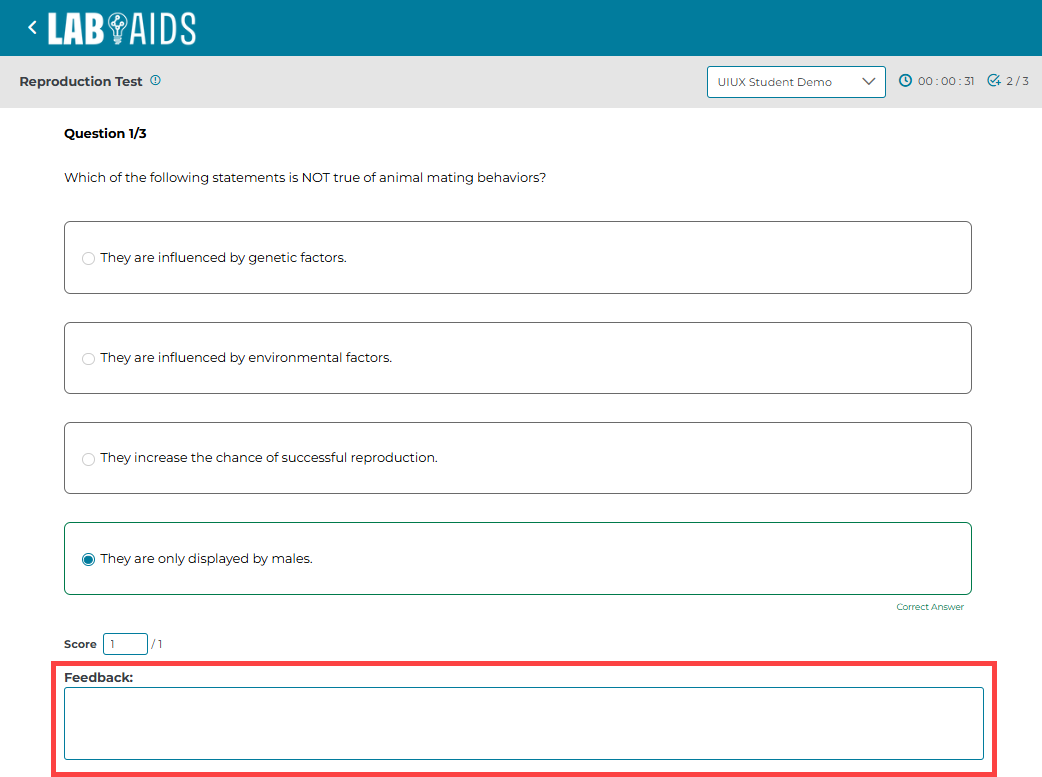
When evaluating assessments, teachers have two options for entering feedback:
- Enter feedback for each specific question in the "Feedback" field under each question.
- Enter feedback for the overall test by scrolling to the bottom ad typing in the "Overall Feedback" field.
- Please note that if teacher reassigns an assessment containing teacher feedback, all assessment feedback will be lost.

Where students view assessment feedback:
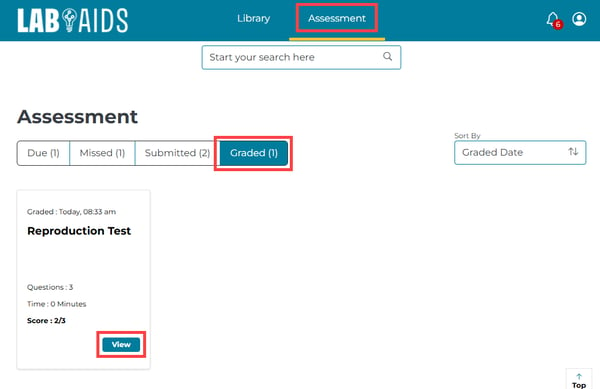
- Students log in and click on the “Assessments” icon in the top menu. Then click “Graded” submenu.
- Click on the assessment in question. Students can hover over the assessment to view full name if needed.
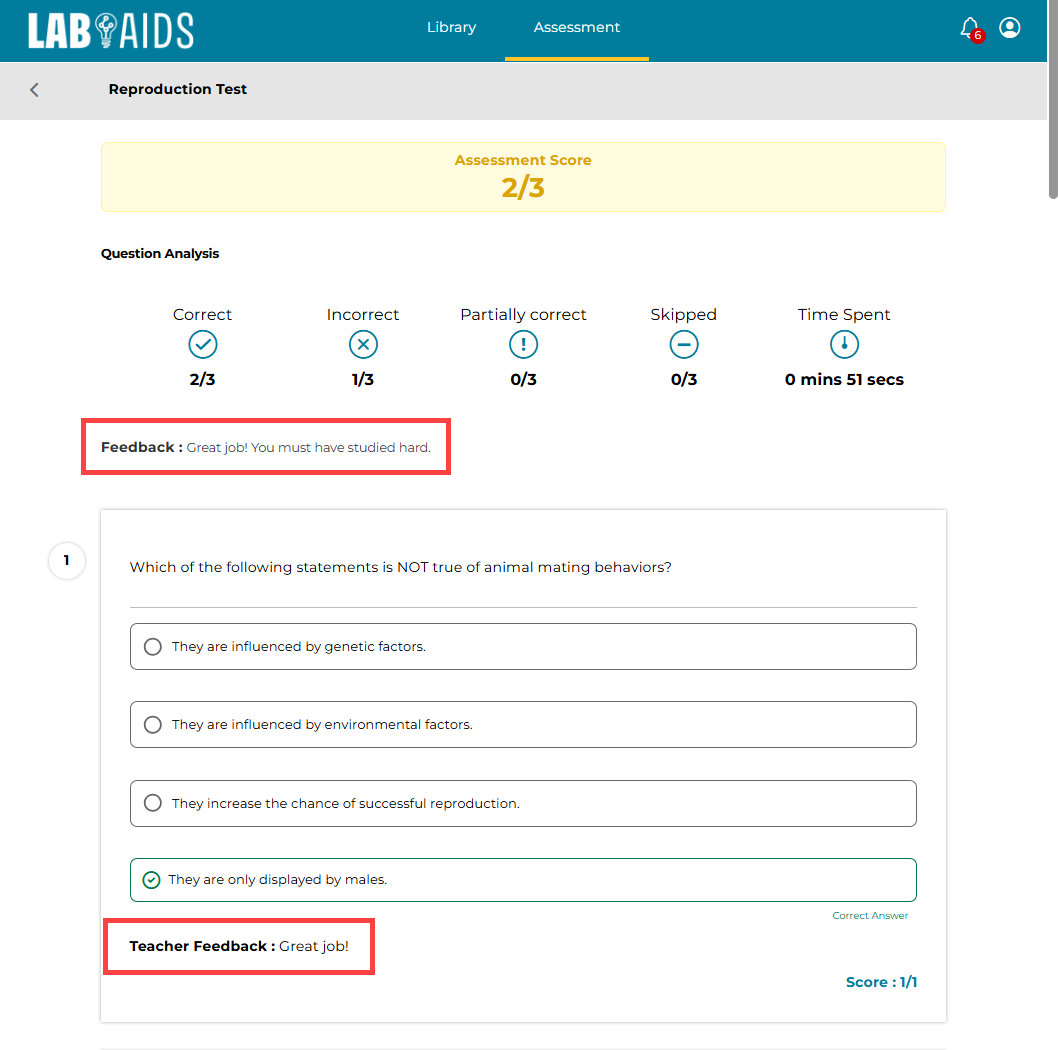
- Feedback for the entire assessment is located at the top (“Feedback” field).
- Feedback for each question is located underneath each question ("Teacher Feedback” field).