All districts have access to end-of-unit assessments/item banks for their purchased content. Upon request, Lab-Aids can also add the Student Sheets, Analysis questions, and Build Understanding questions as standard tests for districts to view in their Lab-Aids teacher portal accounts. Adding these allows for teachers to assign these specific assessments to students, export these assessments in QTI format to import into an LMS, and use LTI 1.3 grade passback for these, if applicable.
- Student Sheets and Analysis questions are available for Issues and Science, Revised Third Edition.
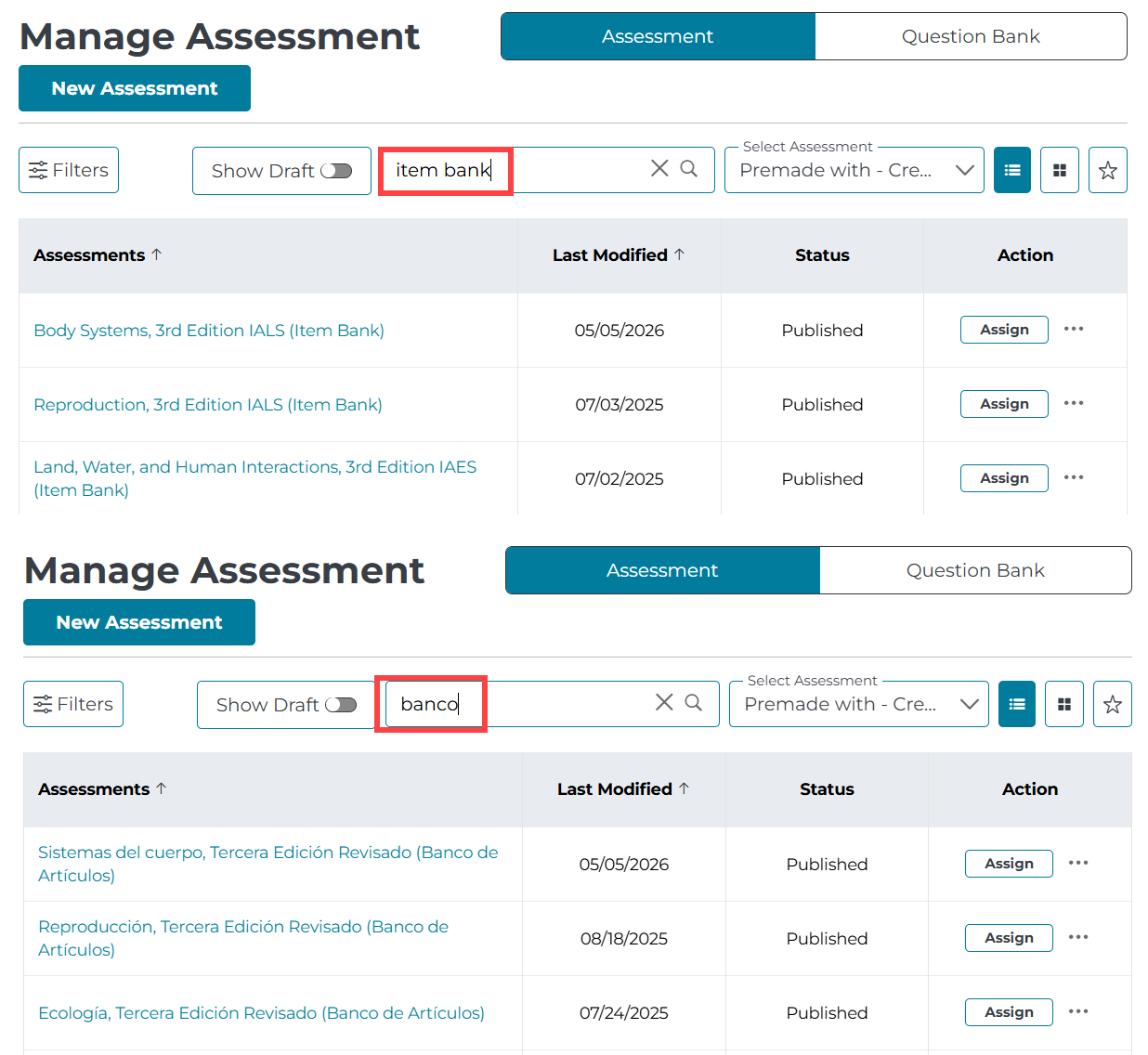
How to search for item banks/end-of-unit assessments:
From the Assessment >> Manage Assessment menu:
English: Search for "Item bank" and scroll to find the unit needed
Spanish: Search for "Banco" and scroll to find the unit needed
How to search for Student Sheets:
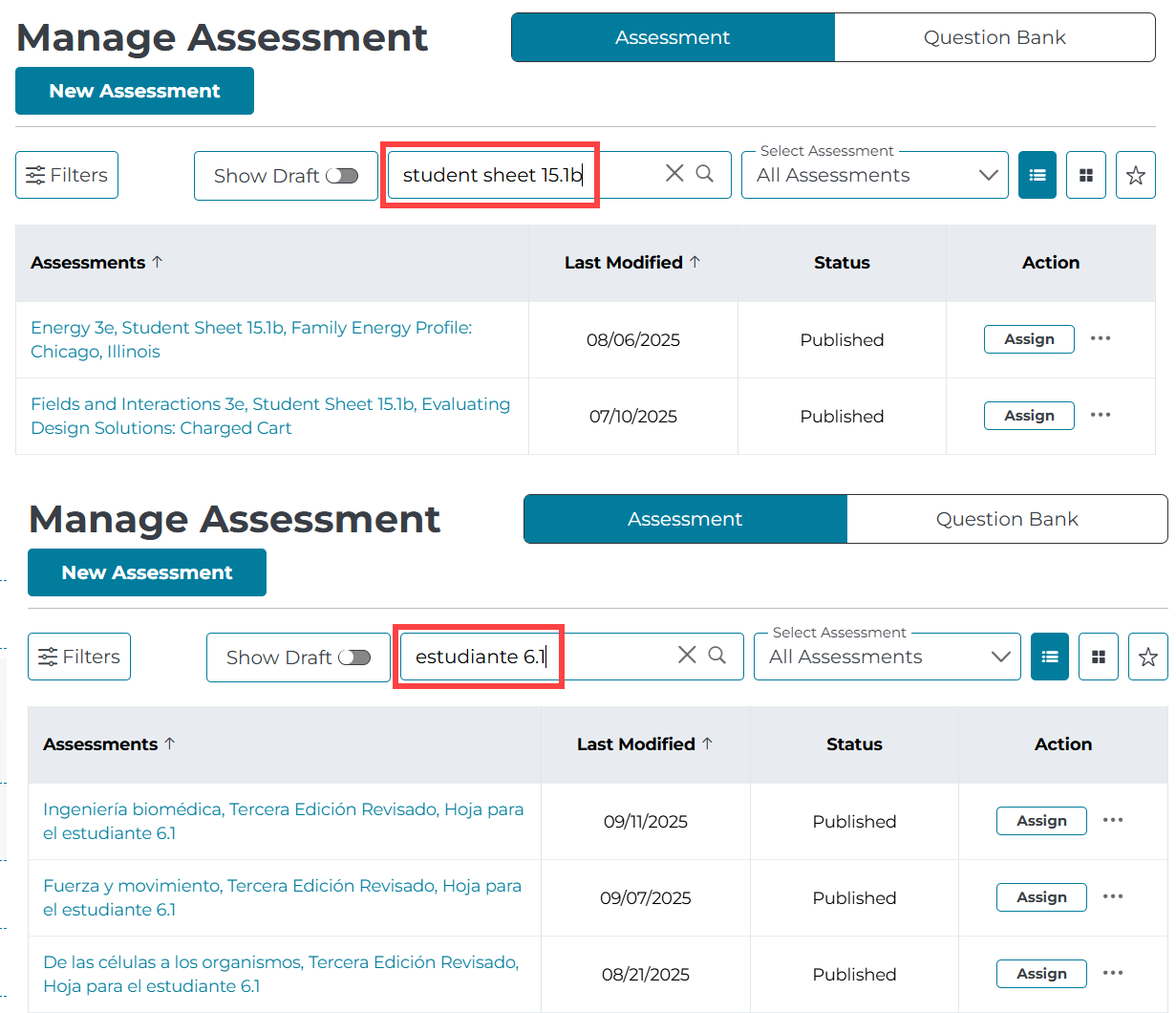
From the Assessment >> Manage Assessment menu:
English: Search for the student sheet number as it displays in the teacher/student book, which will be ##.#. For example, “Student sheet 1.1”, “student sheet 11.3”, “student sheet 15.1b” etc.
Spanish: Search for “estudiante ##.#” such as “estudiante 6.1”
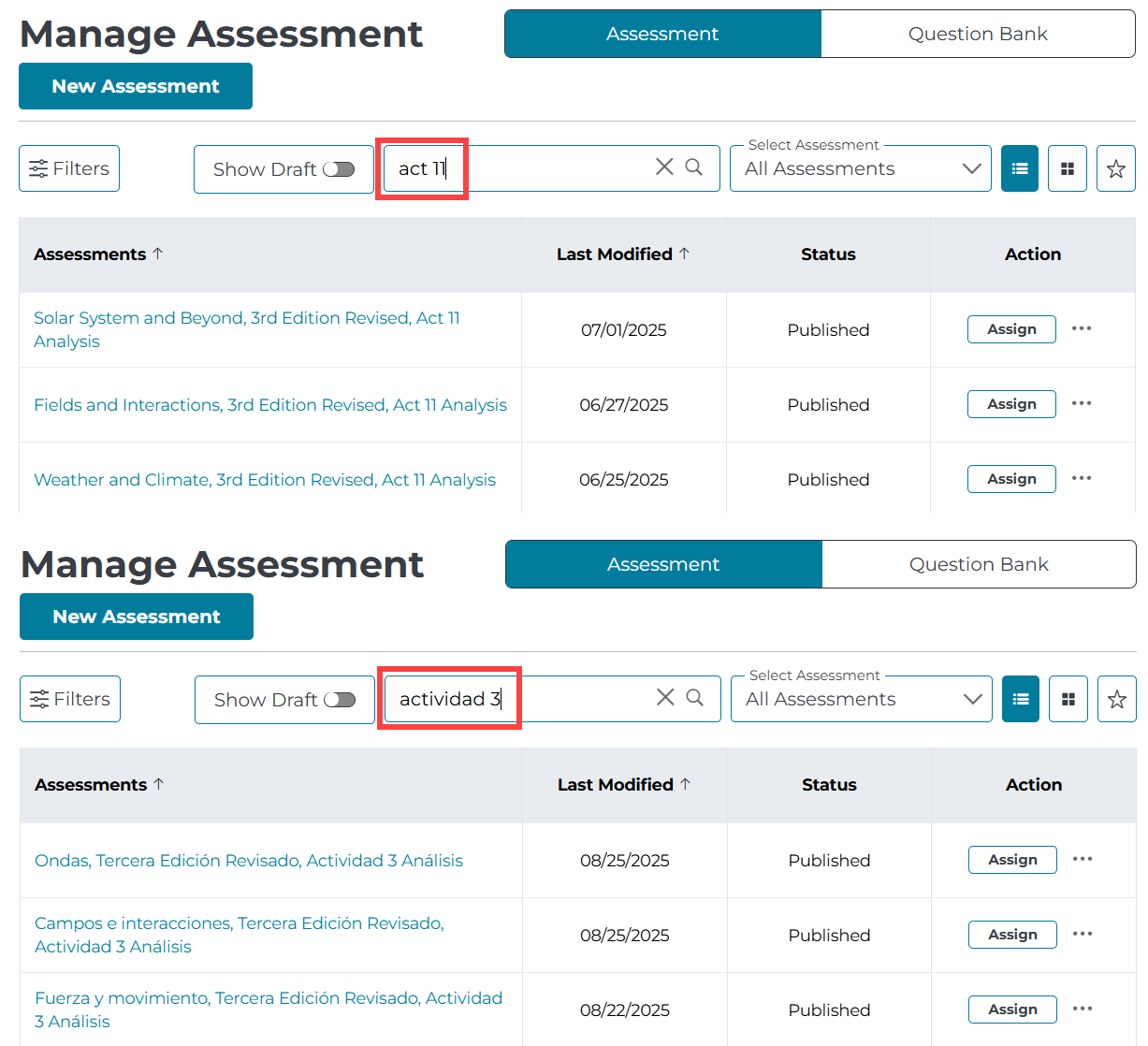
How to search for Analysis questions:
From the Assessments >> Standard Tests menu:
English: Type in this format: “act #” or “Act # analysis” (“act 11” or “act 11 analysis”, etc.)
Spanish: Type in “Actividad ##” (“actividad 1”, “actividad 10”)